Offer price
Set a fixed price for one or more products during the promotion.
Example: a $20 item is offered at $16.

Stellar PROMO is the promotions module of Stellar BUSINESS. Create offer prices, discounts and quantity-based benefits. Choose products, schedules and locations, and bring each promotion’s information into the billing process.
Configured in Stellar BUSINESS
Choose the type of benefit and configure the conditions that qualify for it.
Set a fixed price for one or more products during the promotion.
Example: a $20 item is offered at $16.Apply a percentage discount to selected products.
Example: 20% off a selected range.Deduct a set amount from the product’s selling price.
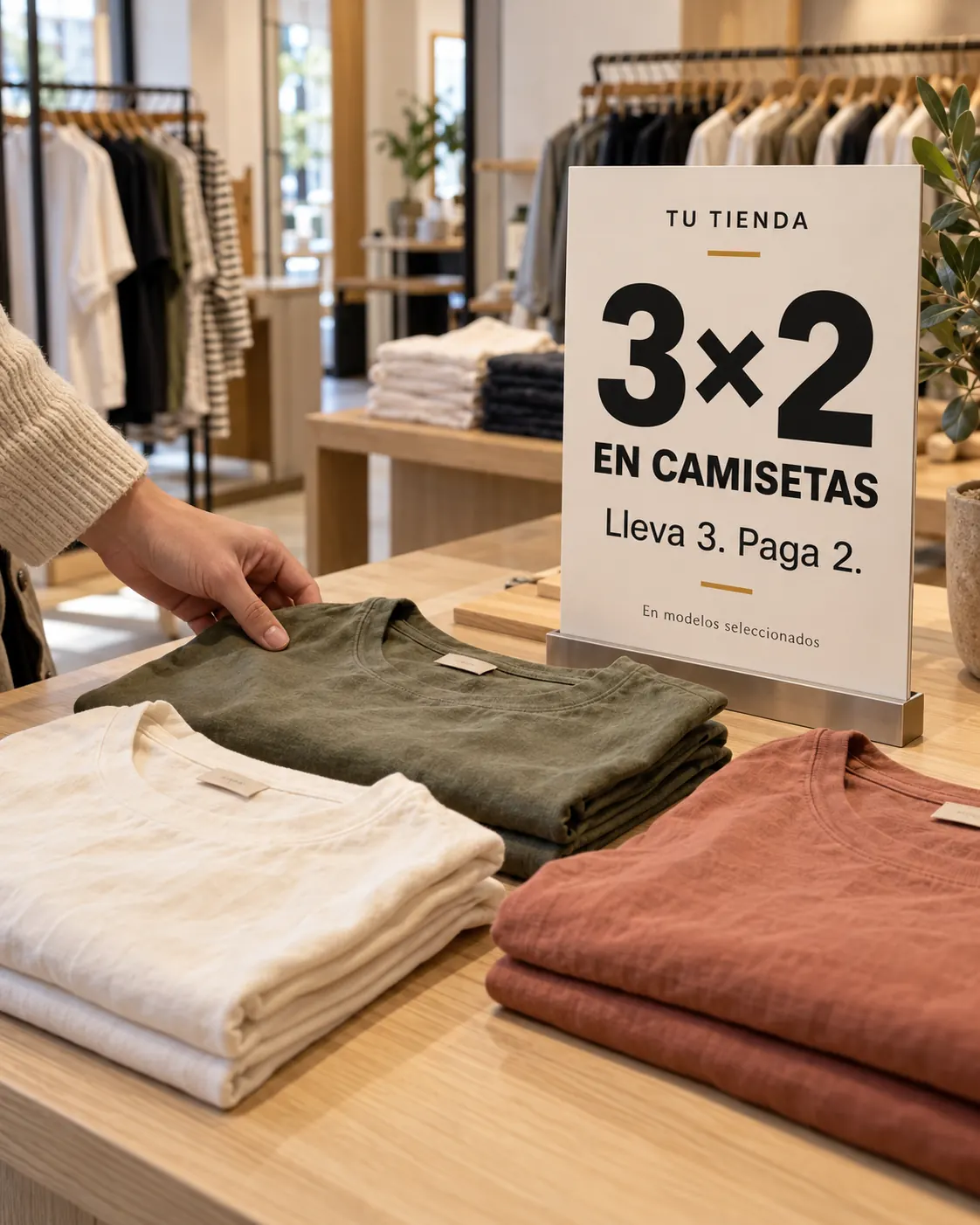
Example: $5 off each item.Configure the quantity that qualifies for the offer and the resulting benefit: a free product, fixed price or discount.
Example: buy 3, pay for 2.Link a purchase condition to a benefit on a specific product.
Example: buy one product and receive a discount on another.Illustrative amounts and percentages. Conditions are defined for each promotion.
An offer is more than a discount. Define its scope in BUSINESS before sending it to your locations.
Define the campaign’s start and end, active days and applicable hours.
Set minimum and maximum purchase amounts, with multicurrency options according to configuration.
Select the stores to which you want to send each promotion.
Save a promotion for immediate activation or keep it on hold.
Explanatory campaign example. This is not an interface screenshot.
Two ways to define which products participate in your offers.
Select one or more items. Each product retains its own condition and benefit configuration.
Individual configuration; does not apply to combinations.Group by department, group, subgroup or supplier. New items matching the criteria are included in the promotion.
Supports combinations or assorted products according to configuration.You can also filter by brand or model and import product lists through TXT files.
When a promotion is active, the item displays a % indicator in Stellar POS, FOOD and BUSINESS. Selecting it lets the sales associate read its description and explain the offer to the customer.
See it in a demoPromotion for selected products in the T-shirts group, within the configured days, hours and locations.
Explanatory example of the indicator and description; not a software screenshot.
Promotions are available to consult in the billing products connected to your operation.

Configure campaigns, select products and locations, and look up promotions while billing.
Explore the product
Identify items with active promotions during in-store sales.
Explore the product
Look up active promotions from your restaurant’s billing process.
Explore the productIt is the Offers and Promotions module of Stellar BUSINESS. It lets you configure campaigns, offer types, products, conditions, schedules and locations. Active promotions can be consulted while billing with POS, FOOD and BUSINESS.
Fixed offer prices, percentage or fixed-amount discounts, quantity promotions such as buy 3, pay for 2, and benefits on specific products subject to purchase conditions.
Yes. You can set start and end dates, active days, hours and the locations participating in the promotion.
Bulk criteria support combinations or assorted products according to configuration. In a fixed list, each product has its own condition and effect; that method does not support combinations.
If the promotion uses dynamic criteria, new products matching the configured department, group, subgroup or supplier are included in its scope.
In Stellar POS, FOOD and BUSINESS billing, the product displays a % indicator. Selecting it shows the promotion description so the associate can inform the customer about the available offer.
Stellar PROMO: configure products, dates, times and promotion conditions from BUSINESS. Apply campaigns to selected locations.