Define the preparation
Work with formulas and recipes to organize ingredients and quantities for your preparations.

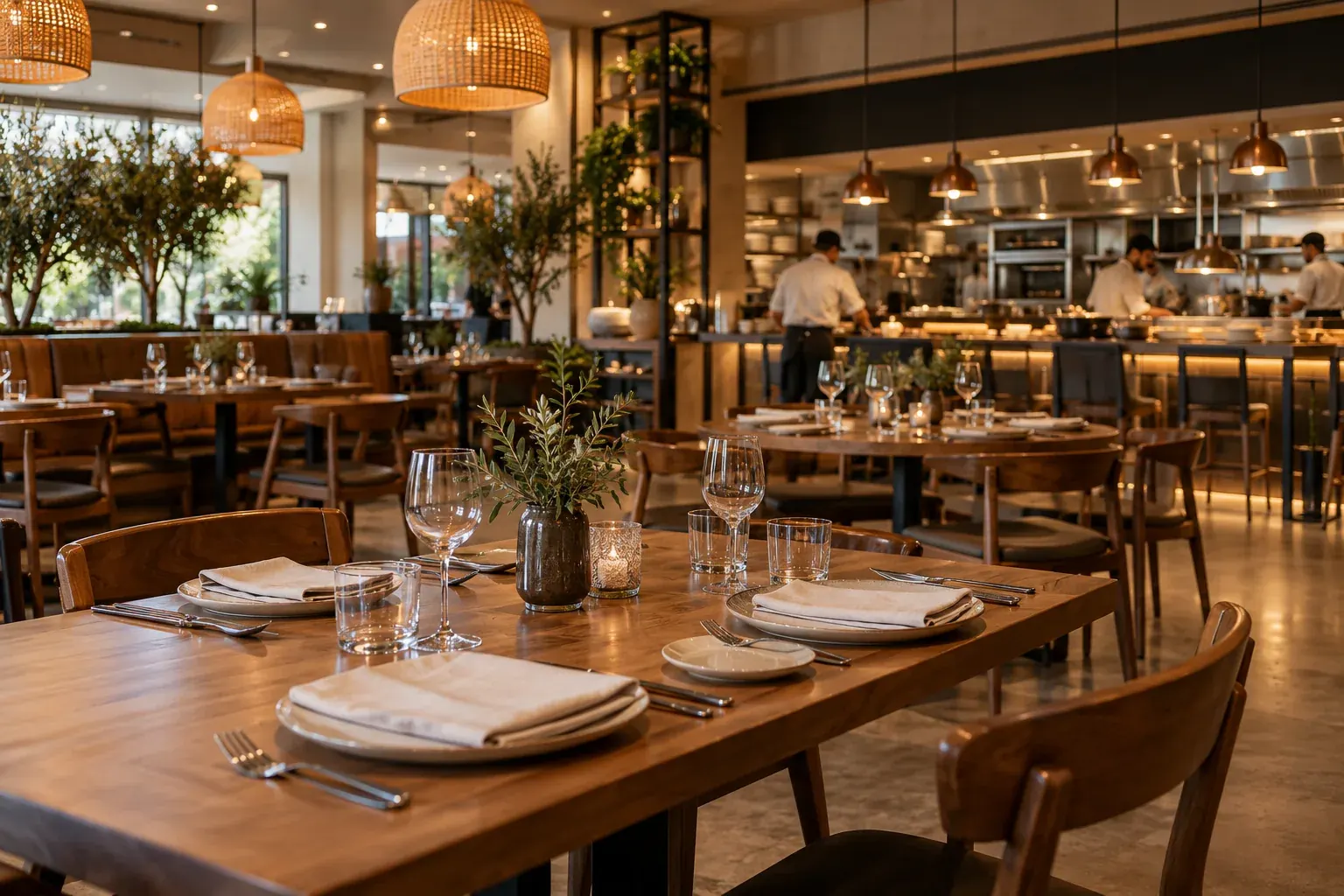
For fine dining, quick service and coffee shops. Connect production, recipes, dining room, kitchen and checkout with your restaurant management.
Formulas, cost simulation and records of what you make.
02 / FOOD KDSOrders, timers and pending work in the kitchen and bar.
03 / OFFLINELocal FOOD continuity during network interruptions.
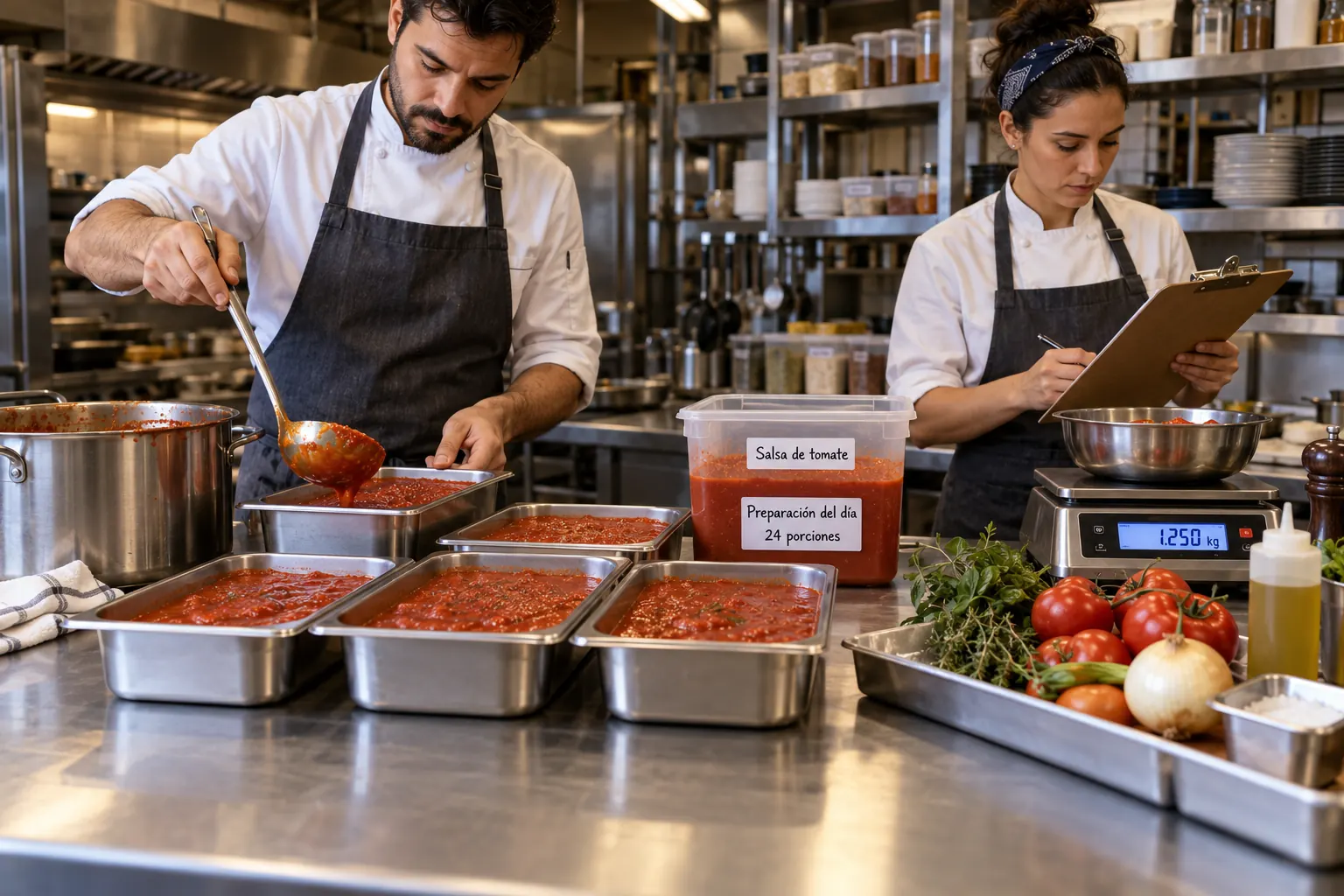
A sauce, a base, bread or the day’s desserts. Bring your preparations into a recorded process with Stellar’s Production tools.
Work with formulas and recipes to organize ingredients and quantities for your preparations.
Evaluate recipes and costs with the simulator. Connect each preparation with your ingredients.
Production orders, manual production, unit records and administrative-unit records.
FOOD also supports recipes, cost simulation and automatic inventory deductions. Formulas, units and movements are configured for your kitchen.
Explore operations with the solutions that support your team and your guests.
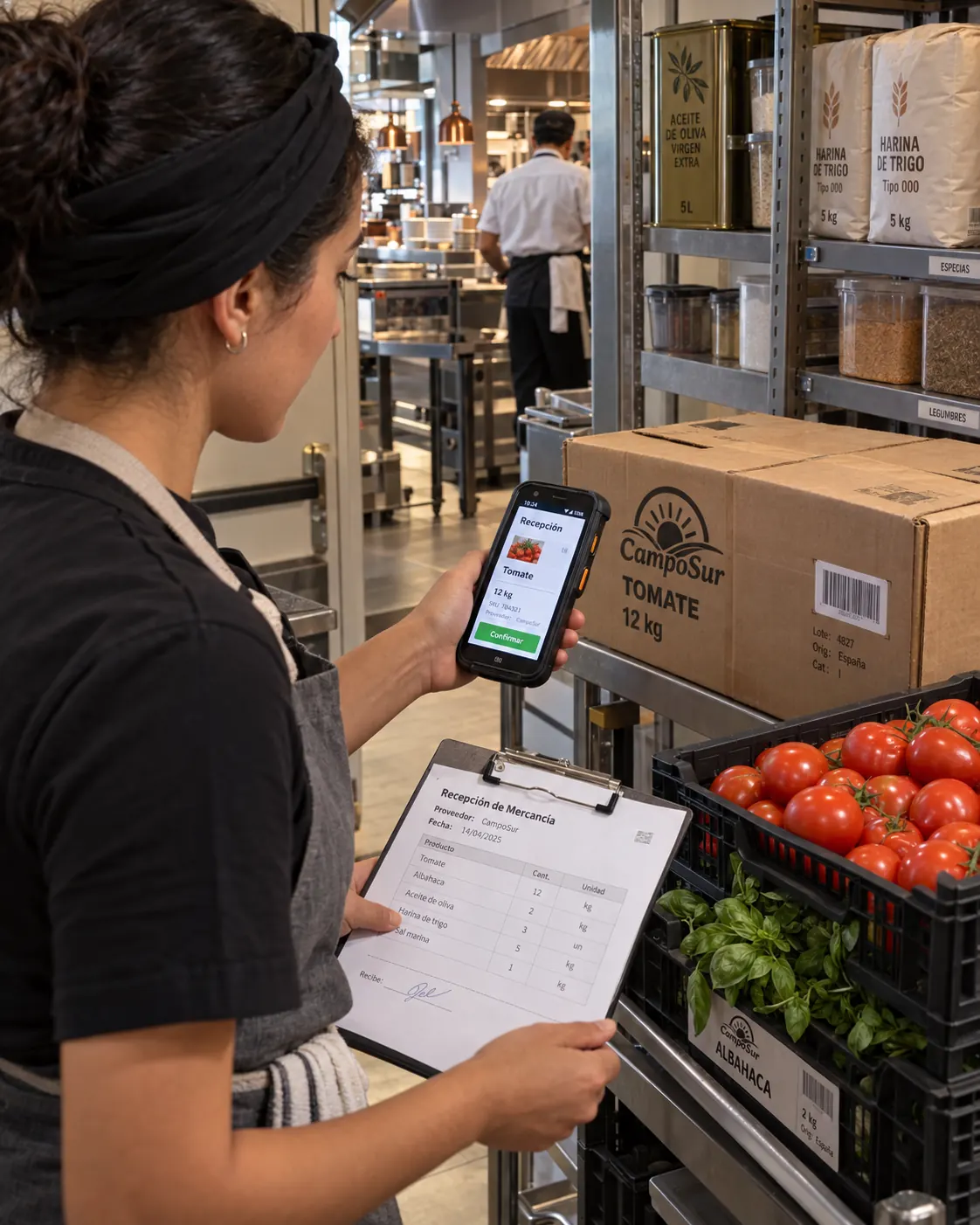
Connect purchasing and receiving with the ingredients your kitchen needs. Organize storerooms, stock and movements.
Connect what you buy with what you store and prepare.
MOBILE requires BUSINESS and compatible Android PDAs. Processes are configured for your operation.
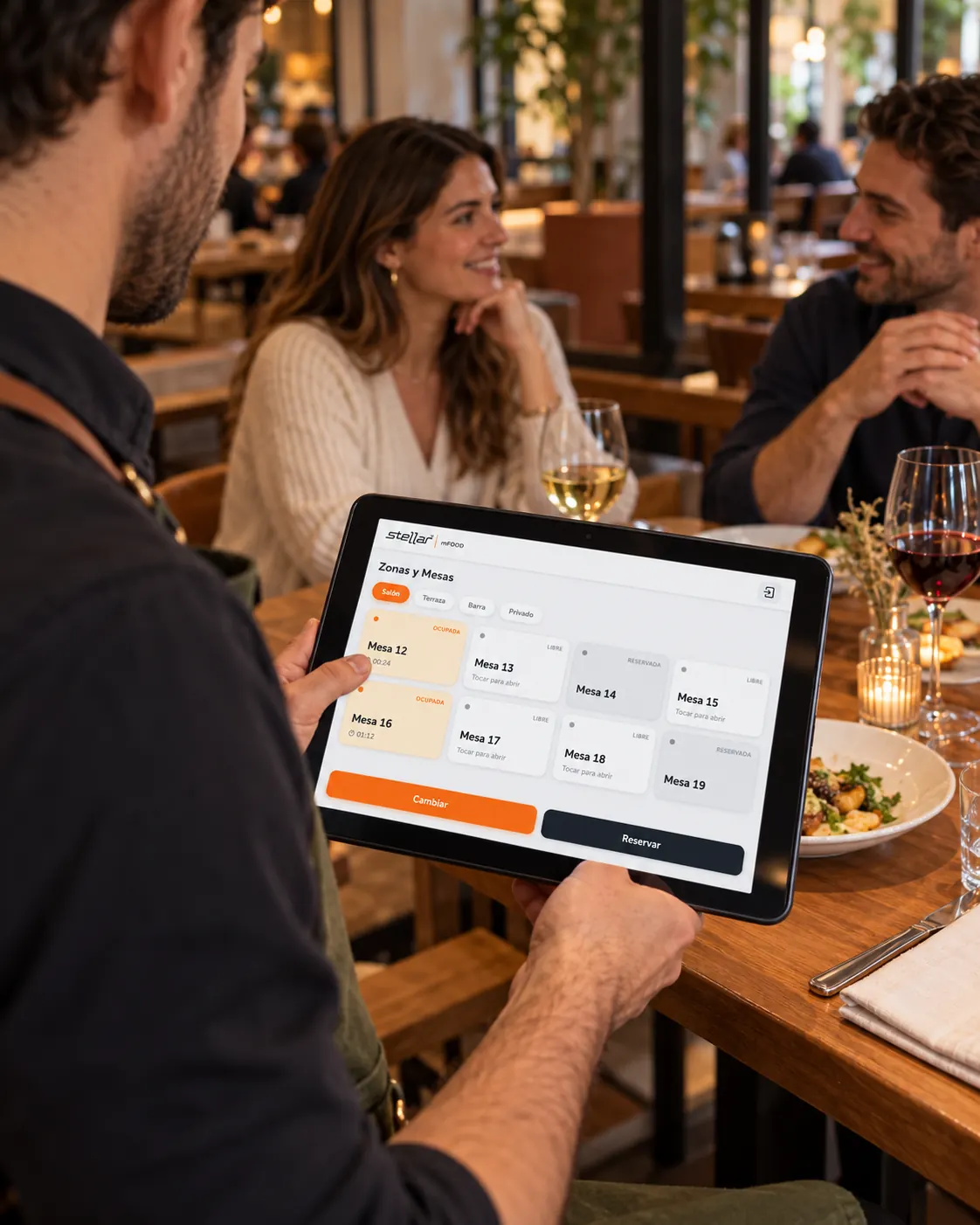
Organize tables, areas and seats with Stellar FOOD. Bring service to the guest with mFOOD.
Coordinate the team and keep each order’s information together.
mFOOD, mobile devices and connectivity are defined for the service you want to offer.
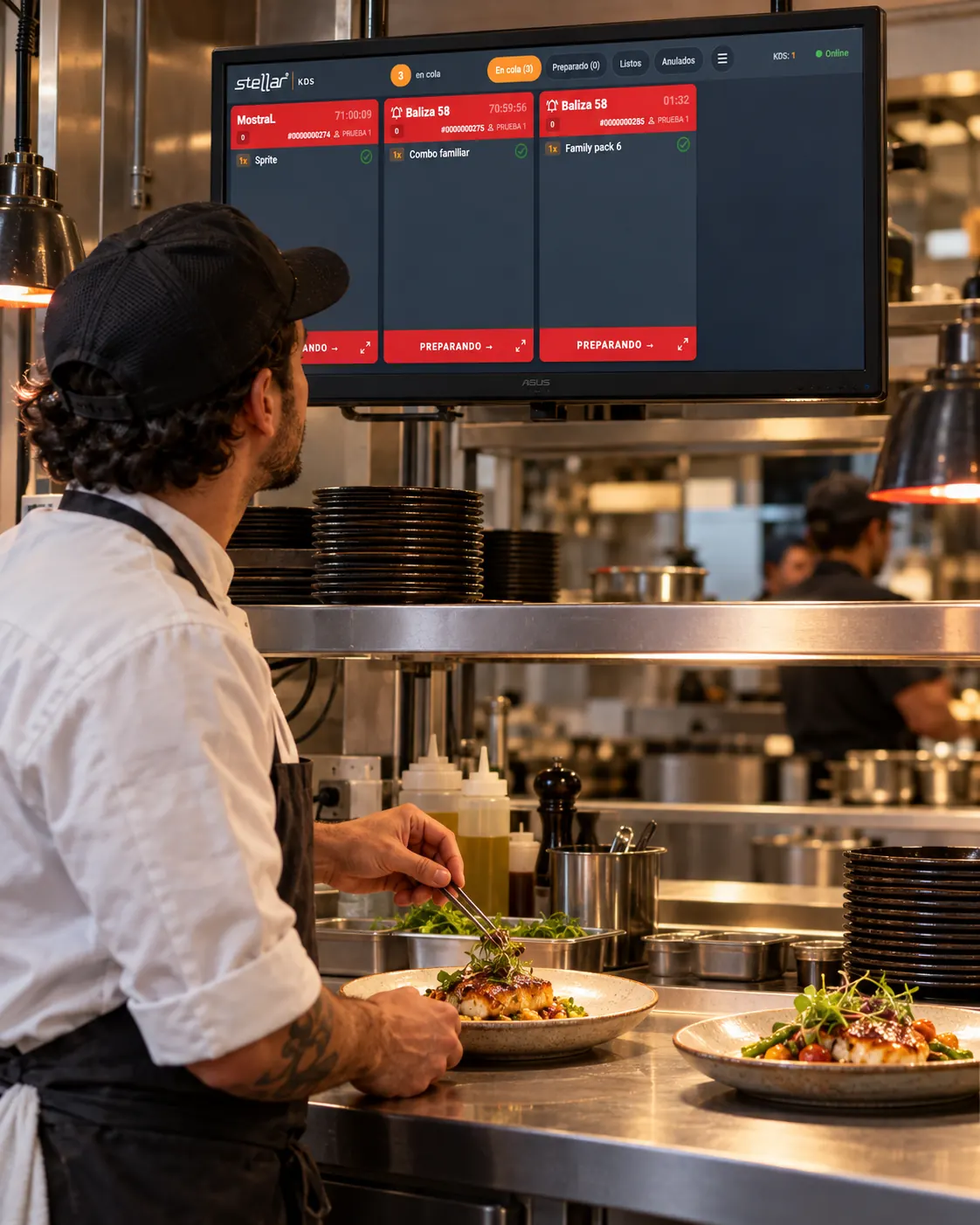
Stellar FOOD KDS brings orders to kitchen screens so the team can see what to prepare and what is pending.
Give the kitchen a shared view of service.
KDS and kitchen stations are included according to scope. Communication between devices requires connectivity.
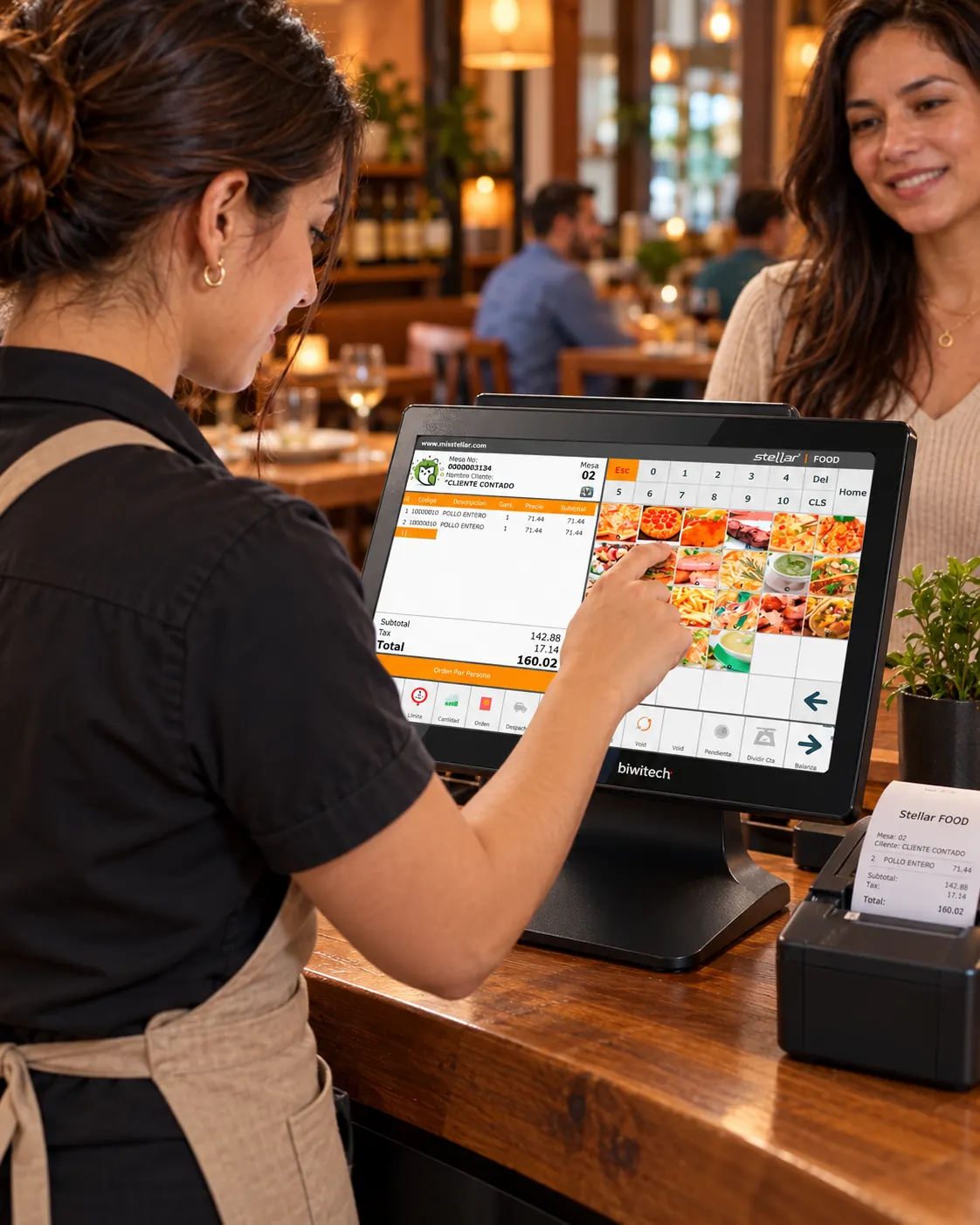
Accommodate different ways to pay while keeping track of consumption, servers and checkout.
FOOD keeps local checkout operating offline.
Bank payments, gateways and external services may require connectivity.

Stay connected beyond one meal with benefits, offers and new reasons to return.
Recognize regular guests with benefits defined by your restaurant.
Loyalty programs, PROMO and eGIFTCARD have their own requirements and scope.
Choose the tools that fit your service, your kitchen and the experience you want to offer.
Coordinate tables, areas, seats and servers. Connect orders with the kitchen and bar, and support service with mFOOD and split bills.
Explore table serviceCombine counter service and Self-Order for dine-in or takeaway. Send orders to KDS and present products and offers on digital menu boards.
Explore Self-OrderServe at the counter, at a table or to go. Apply recipes and costs to drinks and preparations, and use Production for the bases, bread or desserts you make.
Explore recipes and Production STELLAR FOOD · OPERATIONAL CONTINUITY
FOOD’s Windows POS continues local operation even when the network or server is unavailable, according to the configured installation.
Bank payments, gateways, online features and communication with KDS or other devices may require connectivity.
Explore Stellar FOODChoose the modules that fit your concept: restaurant, café, terrace or quick service.
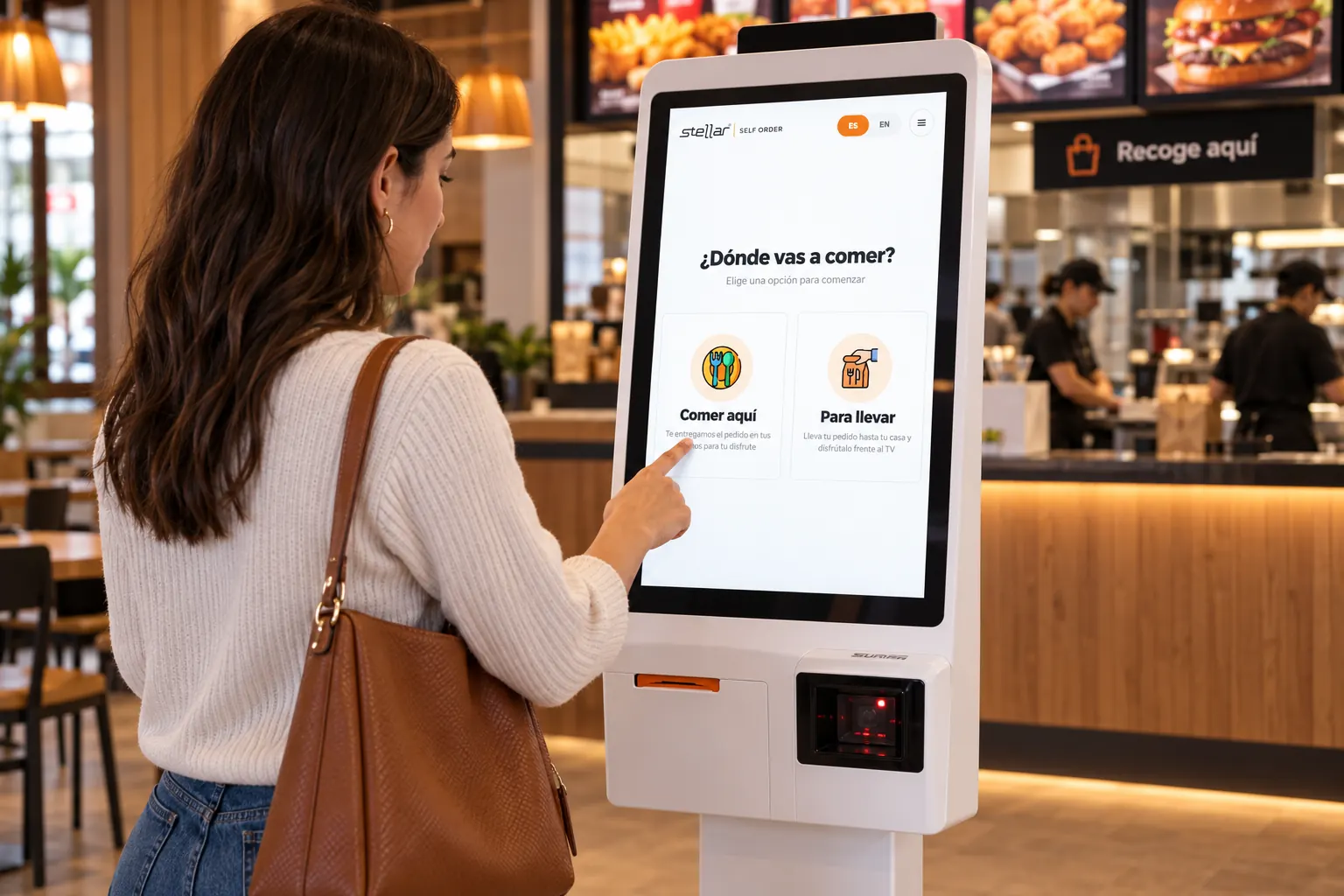
Offer a kiosk to choose products and order for dine-in or takeaway. An option for quick service and busy locations.
Explore Self-Order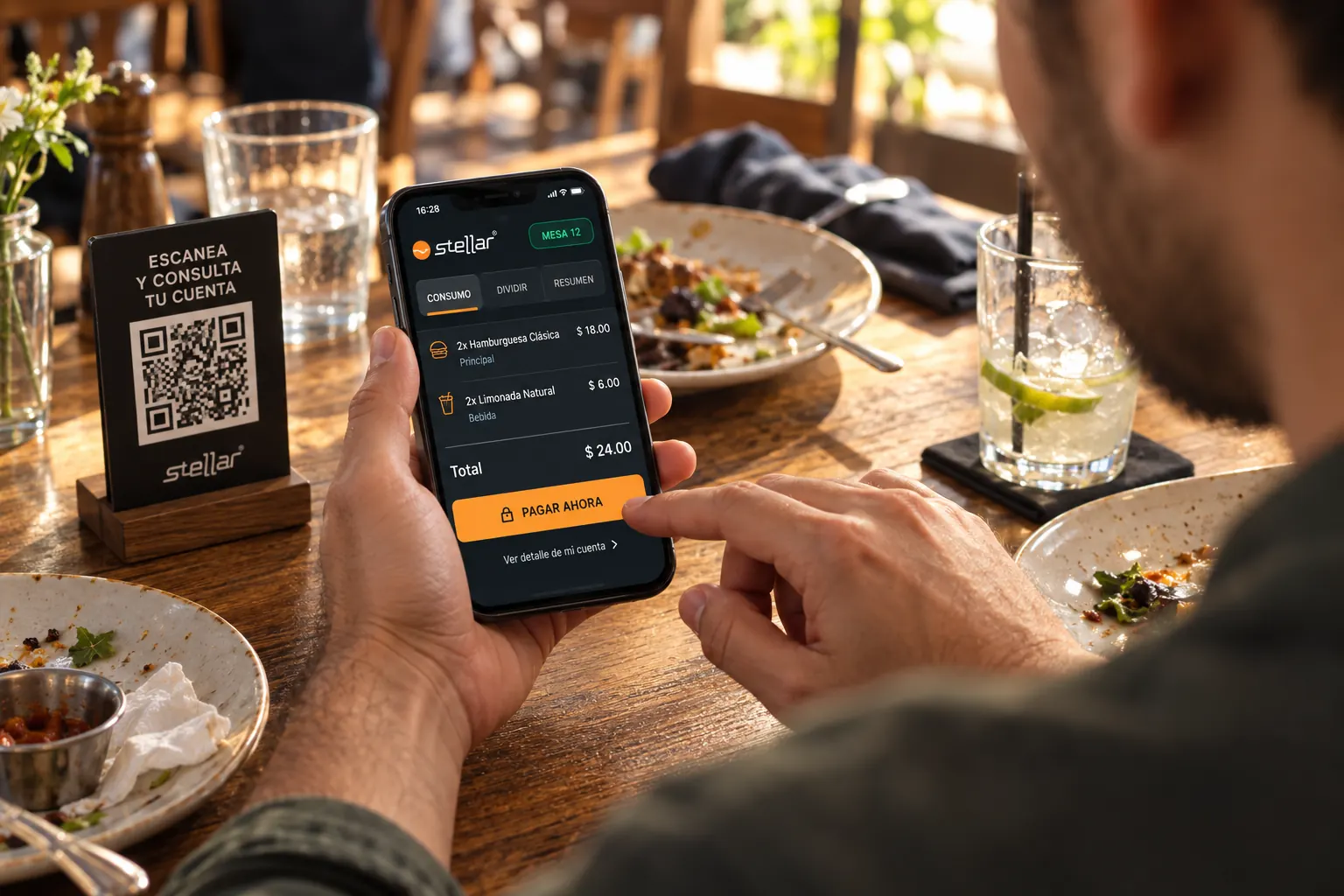
QR bill lookup, bill splitting, tip selection and mobile payment, according to enabled payment methods and integrations.
Explore mFOODModules, compatible devices, connectivity and payment methods are confirmed by country and project. Self-Order is for food ordering.
 STELLAR VALET
If you offer valet parking, record vehicles, tickets, location, requests and handovers.
Explore Valet LIVE DASHBOARD
View operational information on tables, kitchen, payments and parking according to connected modules.
Explore the dashboardPresent your menu, specials and campaigns on screens that are part of the experience.
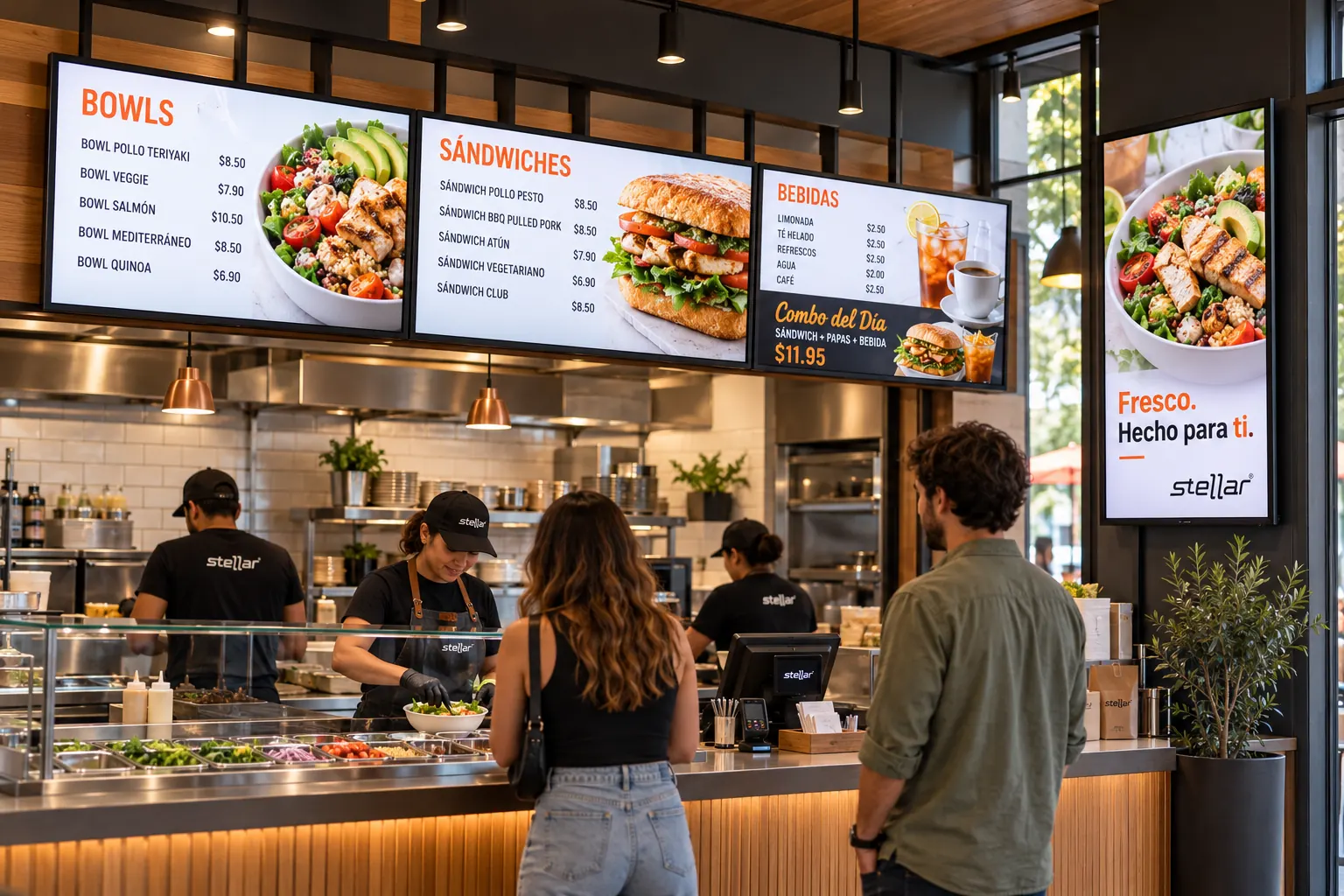
Display products, prices and promotions with images and video.
Schedule content by time and day for your different services.
Manage web content for screens, menus and digital totems according to the project.
 Stellar WEBSTORE
Explore an online catalog with your restaurant’s identity, connected with products and orders according to integration.
Open my online channel Stellar App Store
Add a shopping app for your guests when it fits your channel strategy.
Explore an appConnect operations with the information you need to manage one or several locations.

Purchasing, suppliers, sales, accounts receivable and payable, treasury and taxes.
Stellar BUSINESS
Connect operations with accounting, cost centers, fixed assets and reporting.
Stellar ACCOUNT
Workforce, attendance and payroll management according to localization and configuration.
Stellar HUMAN RESOURCESStorerooms, receiving, adjustments, transfers and order preparation according to your structure.
Analyze sales, customers, categories and products with higher or lower profit.
Multiple locations, stations and storerooms, with defined users and permissions.
Administrative modules, accounting, taxes and payroll according to scope and localization.
Timed campaigns and cards to gift an experience. Add eZELLE if you accept that payment method.
 STELLAR ADD-ON
Schedule offers by day and time, discounts and campaigns for your restaurant.
 STELLAR ADD-ON
Give a dinner, a gathering or a next visit with gift cards.
 STELLAR ADD-ON
If you accept Zelle payments, verify their code within the checkout process.
PROMO is a BUSINESS module; its offers apply in FOOD according to configured rules. eGIFTCARD and eZELLE require their respective integrations.
From checkout terminal to kitchen display. Bigwise brings together Stellar solutions, hardware, implementation and support for your restaurant.
POS terminals, tablets, receipt printers and peripherals.
KDS screens, kitchen printers and Self-Order kiosks.
PDAs, scanners, label printers, digital menus and totems.
These brands and much more to equip your business.






Epson · Honeywell · Bixolon · Biwitech · and many more leading brands
Models, compatibility, warranties and services are detailed in the proposal.
It supports formulas, production orders, manual production, unit and administrative-unit records, and a recipe simulator. It can be applied to preparations such as sauces, bases, bread or desserts made in your kitchen.
Yes. FOOD supports recipes, cost simulation and automatic inventory deductions. Formulas, quantities, units and their relationship with inventory are configured for your operation.
Yes. FOOD’s Windows POS maintains local operation when the network or server is unavailable, according to the installation. External payments, online features and communication between devices may require connectivity.
Yes. FOOD supports table service, counter service, takeaway, pickup and delivery, with service types identified in the kitchen. Ordering and delivery integrations are defined per project.
It displays kitchen orders with order information, timers, color priorities and pending-order tracking. Screens and stations are part of the configured scope.
It extends mobile table service. The documented scope includes guests checking their bill through QR, splitting it, choosing a tip and paying from their phone. Available payment methods and integrations are confirmed by country and project.
Stellar FOOD Self-Order is a kiosk for selecting and ordering food, with options such as dine-in or takeaway. Hardware and payment integration are defined for the restaurant.
FOOD supports multiple locations, stations and storerooms, with users and permissions. Centralized or decentralized operation and synchronization are defined for your organization.
Administrative scope covers purchasing, sales, accounts receivable and payable, treasury and taxes. It can integrate with Stellar ACCOUNT for accounting and be complemented by HUMAN RESOURCES for workforce and payroll, according to country.
Yes, according to scope. Valet supports vehicle records, tickets, location, requests and handovers. The live dashboard brings together information on tables, kitchen, payments and parking according to connected modules.
Yes. Bigwise brings together software, terminals, tablets, KDS screens, kiosks, printers, scanners, implementation and support. We work with leading brands such as SUNMI, Elo, Epson, Datalogic, Zebra, TSC, Honeywell, Bixolon and Biwitech, among others. Models and compatibility are defined for each operation.
Software for restaurants in Venezuela: FOOD for service, kitchen and checkout; BUSINESS Production for recipes, ingredients and costs. Fit to your format.
Tell us what you prepare, how you serve and how many locations you operate. We’ll define the modules and equipment you need.
Request a demo for my restaurant